
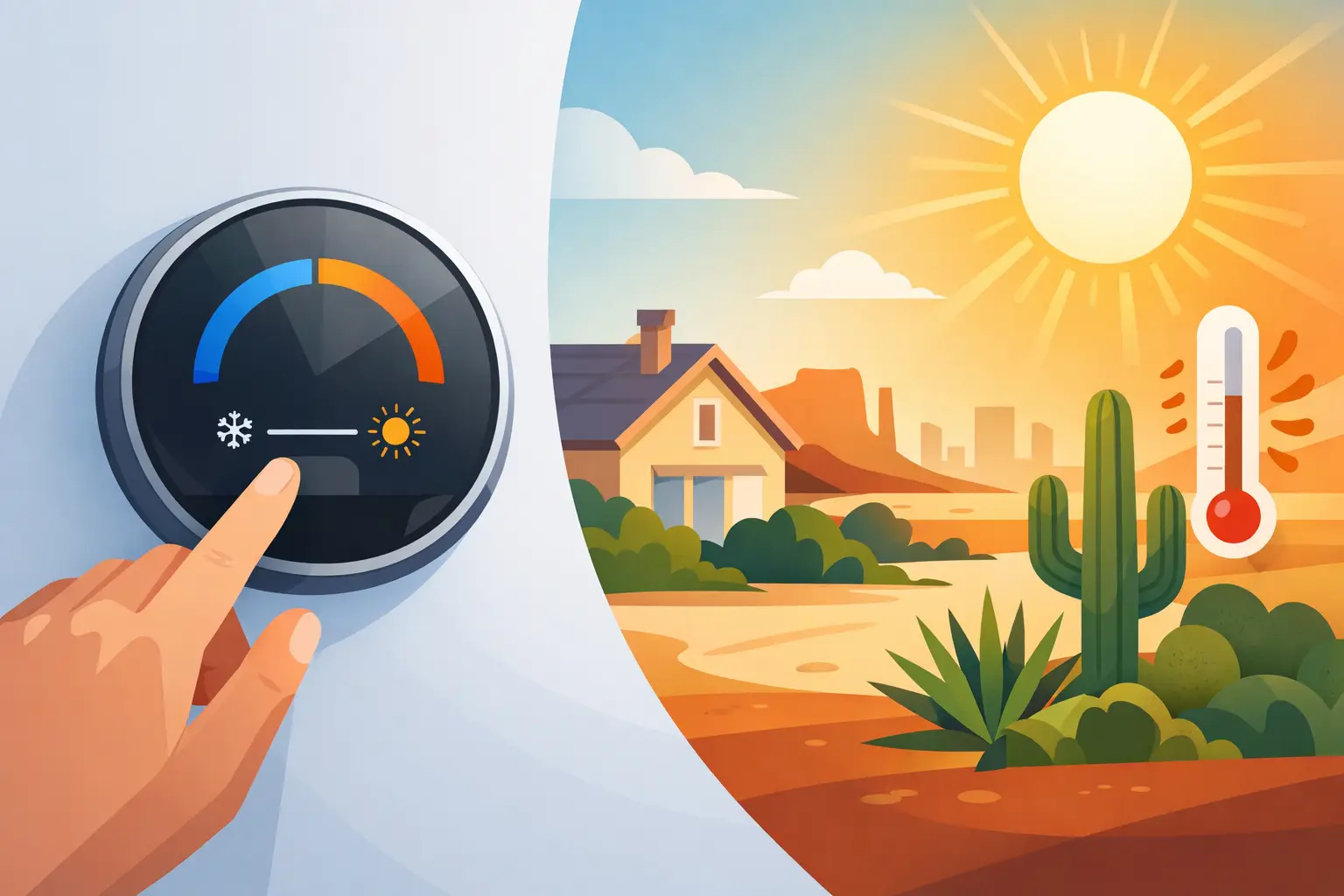
A San Antonio summer can put serious pressure on an air conditioner. When outdoor temperatures stay in the upper 90s or climb past 100 degrees, setting the thermostat too low may not make the house cool faster. It can, however, make the system run longer, increase utility costs, and expose an existing AC issue. The best thermostat settings for summer balance comfort, humidity control, energy use, and what your equipment can realistically handle.
For many households, 78°F is a practical starting point when the home is occupied. But it is not a one-size-fits-all rule. Your ideal setting depends on your home’s insulation, sun exposure, number of occupants, system condition, humidity level, and personal comfort needs.
Best Thermostat Settings for Summer: Start at 78°F
A thermostat setting of 78°F while you are home is commonly recommended as an efficient summer baseline. In a well-maintained home, it gives the air conditioner a reasonable target without asking it to fight an extreme difference between indoor and outdoor temperatures all day.
That does not mean every San Antonio household must be comfortable at 78°F. Some families prefer 76°F or 77°F, especially in bedrooms, upstairs rooms, or homes with strong afternoon sun. Others find that 79°F is perfectly comfortable when ceiling fans are running and indoor humidity is under control.
The key is to avoid treating the thermostat like an on-off speed control. Setting it to 68°F does not cool the home more quickly. Most central AC systems cool at a steady rate. A much lower setting simply tells the system to keep running longer, which can raise your electric bill and may reveal problems such as poor airflow, frozen coils, or an undersized system.
Set It Higher When the Home Is Empty
When everyone is away for work, school, or errands, raising the thermostat can reduce unnecessary cooling. A setting around 82°F to 85°F is often appropriate for an empty home during the day.
For a short trip of a few hours, a modest increase to 80°F or 82°F may be enough. For a full workday, 82°F to 85°F usually provides better energy savings while helping prevent excessive indoor heat buildup. In South Texas, turning the AC completely off is rarely the best choice. The home can become extremely hot, and the system may need to run for a long time to restore a comfortable temperature when you return.
If you have pets, keep their needs in mind. Older pets, young animals, and certain breeds can be more sensitive to heat. A moderate temperature increase is generally safer than allowing the house to get too warm.
Overnight Settings Depend on Your Sleep and Your Home
Many people sleep better in a cooler room. A nighttime setting between 72°F and 76°F is common, though the right number depends on individual comfort and the layout of the house.
Before lowering the thermostat several degrees overnight, try improving air circulation. Ceiling fans can make a room feel cooler without changing the actual temperature. Keep bedroom doors positioned to allow return-air flow, and make sure supply vents are open and not blocked by furniture, curtains, or rugs.
If upstairs bedrooms remain hot while the downstairs area is comfortable, the issue may not be the thermostat setting. It could point to insulation gaps, attic heat, duct leakage, weak airflow, an improperly balanced system, or a thermostat located in an area that does not reflect the temperature where people sleep. Lowering the thermostat may offer temporary relief, but accurate diagnostics are the better long-term answer.
Make Small Adjustments, Not Big Swings
A consistent setting is usually more efficient than dramatic daily changes. If 78°F feels too warm, try 77°F for several days rather than dropping immediately to 72°F. Pay attention to how the home feels in the afternoon, not just first thing in the morning.
Humidity matters as much as temperature. A house at 78°F with proper humidity control can feel more comfortable than a house at 74°F that feels damp or stagnant. Your air conditioner removes moisture as it cools, but short cycling, dirty filters, oversized equipment, drain problems, and airflow restrictions can interfere with that process.
Large thermostat setbacks can also be less helpful than they appear during extreme heat. Raising the temperature while away can save energy, but allowing the home to heat up too much may require extended runtime later. The best approach is usually a reasonable adjustment that fits your schedule rather than a major swing every day.
Use a Programmable or Smart Thermostat Wisely
A programmable or smart thermostat can make summer comfort easier to manage, especially for busy households and rental properties. The value is not in constantly changing temperatures. It is in creating a dependable schedule that matches how the building is used.
For example, a homeowner might keep the thermostat at 78°F during occupied hours, raise it to 83°F when the house is empty, and bring it back down shortly before the family returns. A small business may need a different schedule based on employee hours, customer traffic, equipment heat, and weekend operations.
Smart thermostat features can be useful, but they should not replace common sense. Geofencing, occupancy sensors, and automatic learning schedules may create unwanted temperature changes if household routines vary. Review the schedule after installation, and make sure the thermostat is compatible with your HVAC system. Some heat pumps, multi-stage units, zoning systems, and older equipment require careful setup to operate correctly.
Why Your Thermostat Location Matters
Your thermostat can only respond to the air around it. If it is located near a kitchen, exterior door, sunny wall, supply vent, or heat-producing electronics, it may not accurately represent the temperature throughout the house.
A thermostat that reads high because of direct sunlight may cause the system to run longer than necessary. One installed near a cool supply vent may shut the system off before distant rooms are comfortable. These problems are often mistaken for an AC failure, but thermostat placement, calibration, and wiring should be checked before assuming the system needs replacement.
For commercial spaces, placement is equally important. A thermostat near a front entrance, break room, server equipment, or sun-facing storefront can create comfort complaints in other parts of the building. A professional assessment can identify whether the issue is control-related, airflow-related, or tied to the capacity of the HVAC system.
Keep Your AC Capable of Holding the Setting
The best temperature setting will not help much if the system cannot deliver proper airflow or remove heat efficiently. During summer, replace or clean filters on schedule, keep outdoor condenser units clear of debris, and avoid closing too many vents in an attempt to force air into one room.
A clean filter supports airflow and helps protect the equipment. However, a filter change will not fix every cooling problem. If your AC runs continuously, blows warm air, freezes up, makes unusual noises, leaks water, or cannot maintain a reasonable setting, it needs an accurate inspection. Continuing to lower the thermostat can add strain without solving the cause.
Preventive maintenance is especially valuable before or during peak heat. A technician can check refrigerant performance, electrical components, condensate drainage, coils, blower operation, thermostat accuracy, and overall system condition. Addressing a small problem early can help prevent a more disruptive breakdown when the heat is at its worst.
When 78°F Still Does Not Feel Comfortable
If 78°F feels uncomfortable, do not assume you have to accept it or run your AC at 70°F all summer. First, consider the conditions inside the home. Strong sunlight through windows, poor attic insulation, duct leaks, inadequate return air, high humidity, and uneven room temperatures can all make a normal thermostat setting feel warmer than it should.
A repair-first evaluation can identify practical improvements before a major replacement is considered. Sometimes the answer is as straightforward as restoring airflow, correcting a thermostat issue, sealing ductwork, cleaning a drain line, or addressing an indoor air quality concern. Other times, older equipment may no longer be capable of providing reliable performance during a Texas heat wave.
Cadillac Air Conditioning & Heating provides clear recommendations based on your system, your home, and your comfort goals, without pressure to buy more than you need. If your thermostat setting never seems to match how your home feels, a professional diagnostic can give you a clear path forward and help keep your cooling dependable through the summer heat.
